Turn any idea into a real PowerPoint with AI
Describe it in one sentence, or drop in a PDF. About a minute later your deck is written, designed and ready to open and edit in PowerPoint.
No credit card needed.
Used by 175,000+ professionals in 100+ countries, including teams at:









Generate
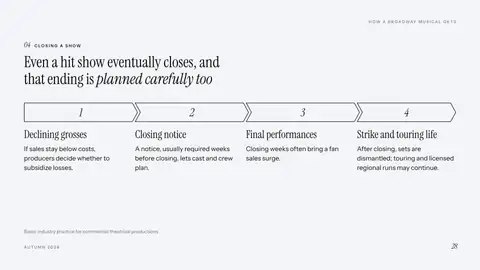
From one idea to a finished deck
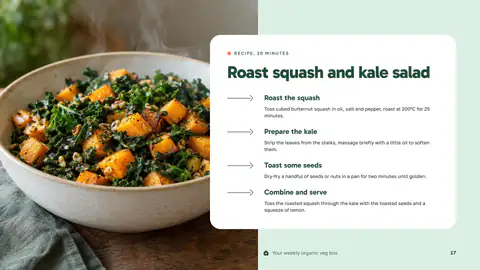
Start with a sentence, your notes or a report. Pick a look and who it is for, and every slide comes back written, laid out and illustrated, ready to edit.
- No blank page: a full draft in about a minute
- Your facts and numbers, not filler
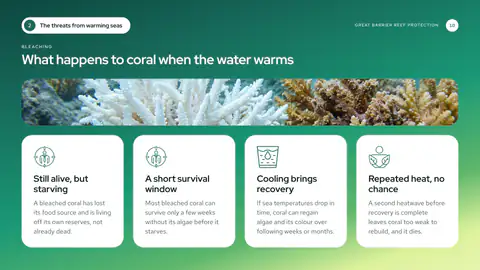
- Pictures made for your slides, not stock photos
The assistant
Change it the way you'd ask a colleague
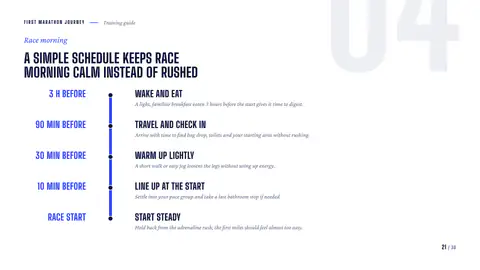
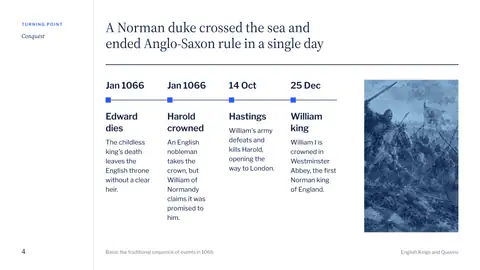
Type or say what you want: slide 4 as a timeline, the whole deck in Spanish, shorter titles. It does the work and shows you every slide before and after.
- Plain words, no menus to learn
- Type it or say it, in your own language
- Before and after on every change, with undo

 Slide 9
Translate slide 9 to Spanish
Slide 9 in Spanish, same designs and pictures. That was 10 credits.
Charts
Switch the chart, keep the numbers
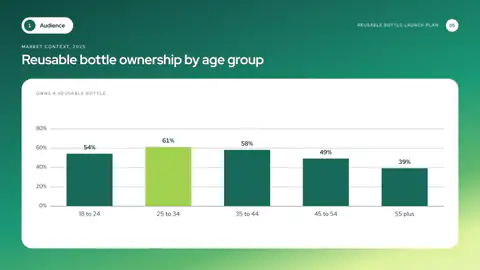
Click any chart and pick another kind: column, bar, line, area, pie and more. It redraws in the same style with every number in place.
- Compare chart types in seconds
- Your data carries over, nothing to retype
- Opens as a native chart in PowerPoint
Layouts
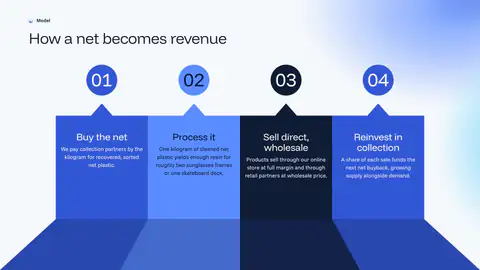
Turn any bullet list into a visual
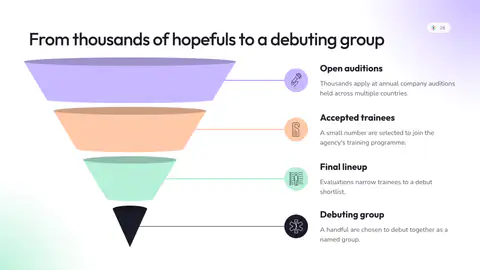
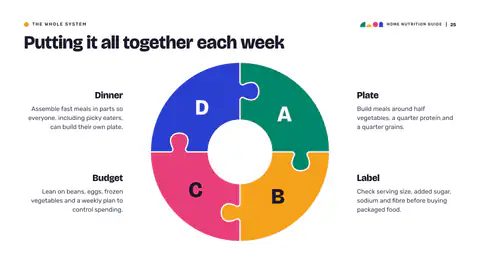
Pick a winding road, a cycle, a puzzle ring or dozens more. The slide is redrawn in your deck’s style, and the words are rewritten to fit it.
- Timelines, cycles, roadmaps and more
- Text rewritten to fit, not cut off
- Nothing to redesign by hand
Looks
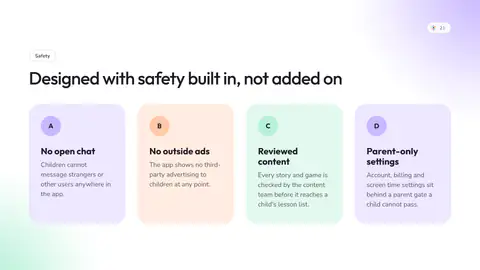
Change the whole look in one click
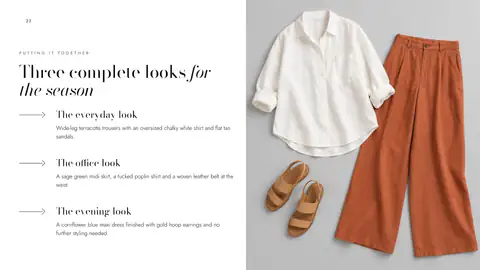
A look is a complete theme: type, colors and layouts that belong together. Pick another and every slide, chart and picture follows.
- Restyle the whole deck, not slide by slide
- Charts and pictures follow, nothing breaks
- Your logo and colors on every slide
Download and share
A real PowerPoint, or a link to share
Download it as PowerPoint, PDF, PNG, JPG or SVG. The PowerPoint opens exactly as you saw it: real text boxes, real shapes and native charts you can keep editing. Or send a link anyone can open.
- Nothing to fix after it opens
- Your fonts travel inside the file
- One link to share, no attachments
Reviews
Loved by people who present for a living
- AI builder
“I typed in my topic and had a full presentation ready in minutes. The slides looked clean and professional. It saved me a lot of time.”
Timo R. - Templates
“Game changer for my consulting business. Client presentations get amazing feedback every single time now.”
Yara HaddadStrategy Consultant - AI builder
“I was surprised by how easy it was to use. The AI understood my prompt and created a solid presentation structure. I only had to make a few small edits.”
Doreen M. - Templates
“Perfect for startup pitch decks. Investors commented on how polished our presentation looked. Helped close our round.”
Eline van der VeldeCo-Founder & CEO - AI builder
“I’ve tried other AI presentation tools before, but this one feels much simpler. The designs are modern and easy to customize. I can see myself using it regularly.”
Daniel K. - Templates
“As a freelance consultant, time is money. These templates cut my deck-building time by 80%. Not exaggerating.”
Priya SharmaFreelance Management Consultant - Templates
“So easy to customize. Changed colors to match our brand in minutes. Works great in PowerPoint and Google Slides.”
Tunde AdeyemiBrand Designer - AI builder
“This is really useful when I need a presentation quickly. I can start with just a short prompt and get a complete presentation. The whole process feels fast and straightforward.”
Marc T.
- Templates
“Replaced our entire template library with Infograpia. The team loves it and every deck looks cohesive now.”
Renata PachecoHead of Brand - AI builder
“The quality of the slides was better than I expected. The layouts looked professional and the content was organized well. It gave me a strong starting point right away.”
Kevin L. - Templates
“Used the funnel and process diagrams for a marketing workshop. Everyone asked where I got the slides.”
Joaquín MéndezMarketing Director - Templates
“These templates saved me hours of work. My presentations look professional now, my boss thought I hired a designer.”
Camila RestrepoMarketing Coordinator - AI builder
“The new Infograpia AI builder is a big improvement. It’s fast, simple, and gives you plenty of good layouts to work with. Creating presentations takes much less time now.”
Amanda C. - Templates
“I teach at a university and these templates transformed my lectures. Students are actually paying attention now.”
Niamh KavanaghSenior Lecturer - Templates
“SWOT and comparison templates are exactly what I needed. Clean, professional, and incredibly easy to edit.”
Linh TranStrategy Lead
Plans
Choose the plan that suits you
Questions
Questions, answered
Is it really a PowerPoint file?
Yes. You download a .pptx with real text boxes, PowerPoint shapes and native charts. Click a chart's Edit Data and the numbers are there.
Can I change everything?
Yes. Edit any word on the slide, ask the assistant for bigger changes, switch a slide's layout or the whole look. In PowerPoint, everything stays editable.
Can I use it on my phone?
Yes. Write and present on your phone, and send yourself the link to keep editing on your computer.
What can I upload?
PDF, Word, PowerPoint, CSV and other spreadsheets saved as text, Markdown, and PNG, JPG or WebP pictures.
Can I cancel anytime?
Yes, from Settings. Your plan stays active until the end of the period you paid for, and you won't be charged again.
What are credits?
Credits pay for the AI work. A 10-slide presentation uses 100, a new slide 10, a new picture 20. Your plan refills them every month.
Is my content private?
Yes. Your presentations stay in your account until you share a link.
Can I use my brand?
Yes. Add your logo, colors and fonts, and every presentation wears them, inside the PowerPoint too.